
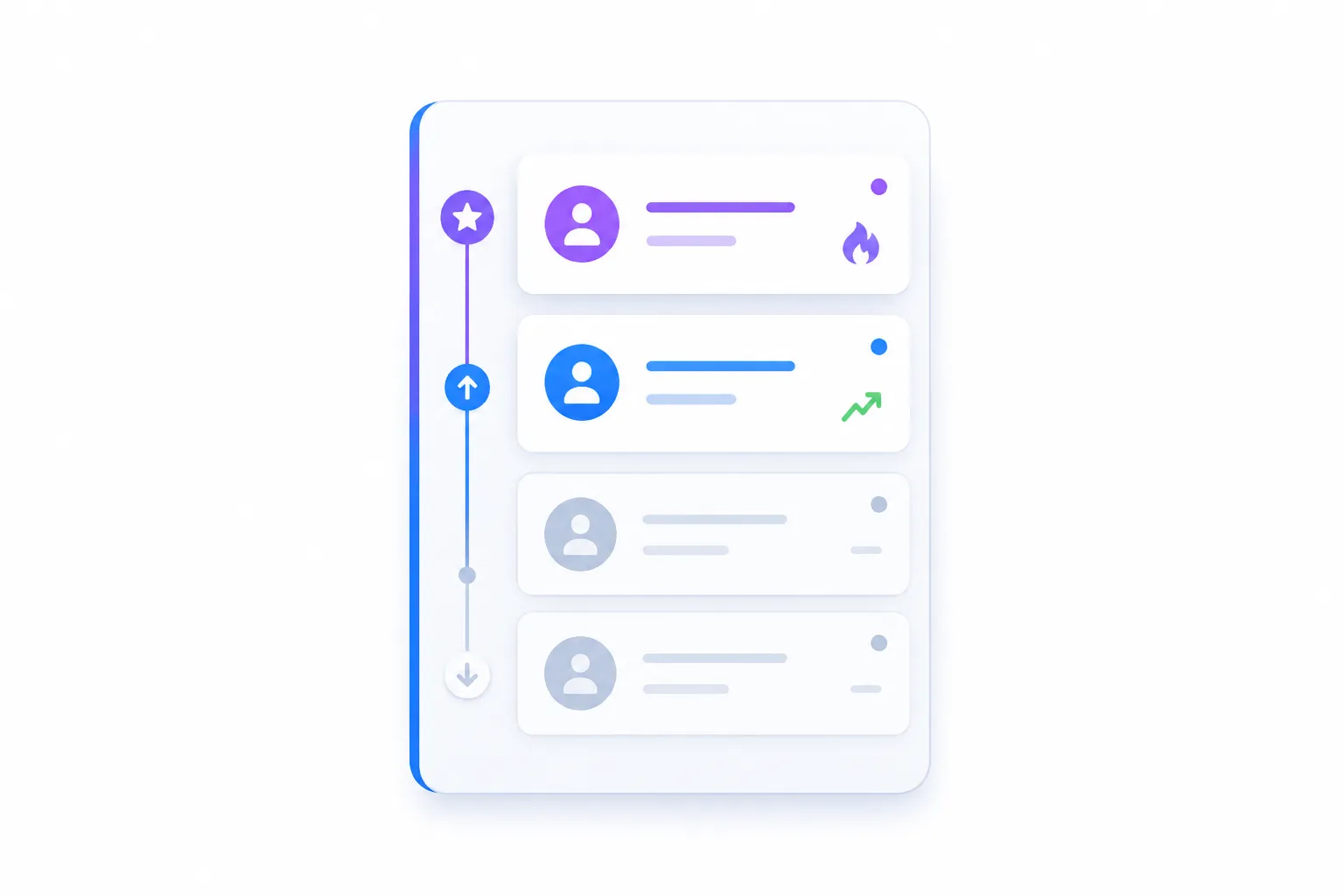
Too many alerts can make social lead generation feel broken.
At first, every notification feels like an opportunity. Someone mentioned your product category. Someone asked about a competitor. Someone complained about a painful workflow. Someone used a keyword you track. But after a few days, your alerts turn into a crowded feed of maybes, weak matches, old threads, and conversations that already moved on.
That is where most teams lose the best opportunities.
The problem is not that you need more alerts. The problem is that you need a better way to decide which alerts deserve your time first. When you prioritize social leads properly, you stop reacting to everything and start focusing on the conversations most likely to become customers.
This guide will show you how to sort social leads when alerts pile up, what signals actually matter, which leads to ignore, and how to build a simple workflow that keeps your reply timing sharp without making you sound spammy.
#More Alerts Are Not the Same as More Leads
A social alert is not automatically a lead.
An alert only means something matched your tracking rules. It could be a keyword, brand name, competitor mention, pain phrase, or product category.
A lead is different.
A lead is a conversation where there is enough pain, context, timing, and product fit to make a reply worth considering.
That difference matters because most alerts are not worth action.
Some are too vague. Some are too old. Some are from people who are not your target customer. Some mention the right keyword but have the wrong intent. Some are useful for content ideas, but not useful as sales conversations.
If you treat every alert like a lead, three bad things happen:
-
You reply to weak conversations and sound forced.
-
You miss the strong conversations because they are buried.
-
You burn time reviewing noise instead of building pipeline.
That is why prioritization is the real skill.
#Why Alert Overload Hurts Your Pipeline
Alert overload does not just waste time.
It makes your team slower and less precise.
Imagine someone on Reddit asks:
“What is the best way to monitor Reddit for people asking about alternatives to our competitors?”
That is a strong lead if you sell a Reddit monitoring or social lead discovery product.
But if that alert sits next to 40 weaker alerts, you may not see it until the thread already has answers. By then, your reply feels late. The best window has closed. Someone else may have already shaped the conversation.
Now imagine another alert:
“I saw a random post about social listening today.”
That might match a keyword, but it is not a serious lead. There is no clear pain. No buying intent. No useful reply angle.
Without prioritization, both alerts look equal.
That is the expensive part.
Your best leads do not disappear because you had no alerts. They disappear because your system could not tell the difference between signal and noise.
#The Simple Rule: Prioritize by Intent, Fit, and Timing
When alerts get noisy, use three questions.
#1. Is there buyer intent?
Buyer intent means the person is showing signs that they may want a solution.
They are not just talking about a topic. They are asking, comparing, complaining, switching, researching, or trying to solve a specific problem.
Strong buyer intent can sound like:
-
“Any recommendations for…”
-
“What tool do you use for…”
-
“Is there an alternative to…”
-
“How do I stop doing this manually?”
-
“Has anyone tried…”
-
“I’m struggling with…”
-
“Looking for software that…”
These alerts should move up your list.
Weak buyer intent sounds more casual:
-
“This topic is interesting.”
-
“I heard about this.”
-
“People keep talking about this.”
-
“This industry is annoying.”
Those may still be useful, but they usually do not deserve an urgent reply.
#2. Is there strong product fit?
Product fit means your product can genuinely help with the problem being discussed.
This is where many teams get sloppy.
A thread can be relevant without being a good fit.
For example, if someone says, “I need a free way to track one Reddit keyword once a month,” and your product is built for serious teams monitoring many conversations, that is probably not a strong-fit lead.
But if someone says, “We keep missing Reddit threads where buyers ask about competitors,” that is much closer.
Good fit means your reply can feel natural.
Weak fit means you have to force the connection.
And forced replies are what make social selling feel like spam.
#3. Is the conversation still fresh?
Timing matters on Reddit, X, and other social platforms.
A useful reply early in a thread can build trust. A late reply on a dead thread often feels like someone searched keywords and dropped in for promotion.
Freshness depends on:
-
when the post or comment was made
-
whether people are still replying
-
whether the original poster is active
-
whether recommendations have already been made
-
whether the problem sounds urgent or casual
A fresh, high-intent, strong-fit conversation should be handled first.
An old thread with no activity should move down, even if the keyword match looks perfect.
#A Simple Priority System for Social Leads
Use this system when your alerts start piling up.
PriorityLead TypeWhat It Looks LikeWhat To DoPriority 1Hot leadClear pain, buyer intent, strong product fit, fresh threadReply as soon as possiblePriority 2Good leadRelevant pain and strong fit, but softer urgency or intentReview today and reply if usefulPriority 3Content signalUseful market insight, but not a strong reply opportunitySave for content, FAQ, or positioningPriority 4Weak matchKeyword match with vague context, weak fit, or low intentIgnore unless it repeats oftenPriority 5NoiseOff-topic, old, irrelevant, or impossible to reply to naturallyIgnoreThis keeps your workflow simple.
You do not need to debate every alert for ten minutes. You just need to decide which bucket it belongs in.
The goal is not perfect scoring.
The goal is faster decisions.
#What a Priority 1 Social Lead Looks Like
A Priority 1 lead is where you should move quickly.
It usually has a clear problem, active intent, strong fit, and a fresh conversation.
Example:
“We’re trying to find a better way to monitor Reddit for people asking about tools like ours. Manual searching is taking too much time. Any recommendations?”
This is worth attention.
The person has a real problem. They are asking for help. The problem matches a product like Leadmatically. The reply can be useful without feeling random.
A bad reply would be:
“Use Leadmatically. It does this.”
That is too direct and too thin.
A better reply would be:
“The main thing is to avoid tracking only broad keywords. That usually creates too much noise. I’d track competitor names, problem phrases, and recommendation-style terms like ‘alternative,’ ‘best tool,’ and ‘anyone using.’ Then I’d score each thread by intent, fit, and freshness before replying. Leadmatically can help with this kind of Reddit and X monitoring, but the bigger workflow is making sure you do not treat every mention as equal.”
That reply teaches first.
Then it mentions the product naturally.
That is the difference between helpful selling and noisy promotion.
#What a Priority 2 Lead Looks Like
A Priority 2 lead is still useful, but it does not need your fastest reply.
Example:
“We’ve been thinking about doing more Reddit monitoring, but it feels hard to know which threads are worth joining.”
This is relevant. There is pain. There may be product fit.
But the person is not directly asking for a tool yet.
The best response should be educational. Help them think through the problem.
You might explain that the issue is not just monitoring Reddit. The issue is separating high-intent conversations from general discussion.
This can still create trust and open a conversation, but it should not jump ahead of stronger leads.
#What a Priority 3 Signal Looks Like
Priority 3 alerts are useful, but usually not for direct replies.
Example:
“Most brand monitoring tools send too many useless alerts.”
This might not be a direct sales opportunity. There may be no question. No buying request. No clear opening.
But it is still valuable.
It tells you something important about the market.
People do not just want more alerts. They want better alerts. They want filtering. They want prioritization. They want fewer useless notifications.
That insight can become:
-
a blog post
-
a landing page section
-
a sales objection answer
-
a product feature explanation
-
a comparison page
-
a better onboarding message
Not every good signal needs a reply.
Sometimes the better move is to turn it into content.
#What to Ignore Without Feeling Guilty
Ignoring alerts is part of a strong workflow.
You should ignore alerts that are:
-
too old
-
too vague
-
off-topic
-
from the wrong audience
-
impossible to reply to naturally
-
only connected by a weak keyword
-
likely to make your product mention feel forced
This is not laziness.
This is discipline.
The fastest way to ruin social lead generation is to reply everywhere. That makes you look desperate and turns your team into noise.
Good prioritization protects your reputation.
#Build a Daily Alert Review Workflow
You need a repeatable process, not random checking.
Here is a simple daily workflow.
#Step 1: Collect Alerts in One Place
Do not let alerts live across too many tools, inboxes, tabs, and saved searches.
When alerts are scattered, review becomes messy. You miss good threads. You duplicate work. You forget which conversations were already checked.
Start by centralizing alerts into one place where you can review them clearly.
#Step 2: Sort Before Replying
Do not open the first alert and immediately start writing.
First, sort.
Ask:
-
Is the pain clear?
-
Is there buyer intent?
-
Does our product fit naturally?
-
Is the conversation fresh?
-
Can we add value without sounding promotional?
If yes, it moves up.
If no, it moves down.
#Step 3: Reply to Priority 1 Leads First
Your best leads should not wait behind weak alerts.
Handle the strongest conversations first. These are the threads where someone is already asking for help, comparing options, or complaining about a problem you solve.
Speed matters most here.
#Step 4: Review Priority 2 Leads Later
Priority 2 leads deserve attention, but not panic.
These are often good conversations for thoughtful replies. You can teach, clarify, give a framework, or share a practical warning.
The goal is to build trust, not rush a pitch.
#Step 5: Save Priority 3 Signals for Content
Create a place to store repeated pains, objections, phrases, and questions.
This helps you improve your marketing over time.
If five people complain that alerts are too noisy, that is a content idea.
If ten people ask how to monitor competitors on Reddit, that is a landing page section.
If people keep asking how to reply without sounding spammy, that is a guide.
#Step 6: Remove Weak Alerts From Your System
If a keyword keeps producing bad matches, fix it.
Do not keep reviewing junk forever.
You may need to:
-
remove broad keywords
-
add negative keywords
-
track more specific phrases
-
separate brand alerts from buyer-intent alerts
-
focus on subreddits or channels with better fit
-
adjust your scoring rules
A better alert system should get sharper over time.
#The Best Replies Start With Context
Prioritization only works if your replies are good.
Once you find a strong lead, do not waste it with a lazy pitch.
Read the thread. Understand the tone. Look at what other people have already said. Then reply in a way that fits.
A strong reply usually does three things:
-
It answers the real question.
-
It adds something useful that was missing.
-
It mentions your product only if the context supports it.
Bad reply:
“We built a tool for this. Check us out.”
Better reply:
“The hard part is not finding mentions. It is knowing which mentions are worth replying to. I’d separate alerts by intent first: recommendation requests, competitor alternatives, manual workflow complaints, and general category mentions. The first three usually matter more than broad mentions. Leadmatically is one tool that helps with this, but the key is to prioritize before replying.”
The better reply gives value even if the reader never clicks.
That is how you earn trust.
#Where Leadmatically Fits
Manual monitoring can work when you only have a few alerts.
But once alerts pile up, manual review becomes inconsistent. You check Reddit when you remember. You miss fresh threads. You spend too much time on weak signals. You reply late to the best conversations.
Leadmatically helps with the discovery and reply workflow by monitoring Reddit and X for relevant discussions, helping businesses find better-fit opportunities, and supporting a more organized way to act on social leads.
The important part is not just getting more alerts.
It is finding the right conversations earlier and responding with more context.
That is where a tool like Leadmatically fits naturally: fewer random searches, better lead review, and more useful replies.
For a practical next step, this setup guide fits well after you understand prioritization: /blog/leadmatically-setup-guide-from-zero-to-first-qualified-lead
#A Quick Checklist for Prioritizing Social Leads
Use this before replying to any alert.
-
Is the person describing a real problem?
-
Are they asking for advice, tools, alternatives, or recommendations?
-
Does the problem match what your product solves?
-
Is the thread still fresh enough for your reply to matter?
-
Can you reply with useful advice before mentioning your product?
-
Would your reply feel welcome in the conversation?
-
Is the person or audience close to your target customer?
-
Is this better as a sales reply, content idea, or something to ignore?
If most answers are yes, prioritize it.
If most answers are no, move on.
#Common Mistakes to Avoid
#Mistake 1: Replying Just Because a Keyword Matched
Keywords help you find conversations.
They do not decide whether you should reply.
Always check the context.
#Mistake 2: Chasing Every Mention
Every mention is not an opportunity.
Some are noise. Some are learning material. Some are not worth touching.
Protect your attention.
#Mistake 3: Replying Too Late
A late reply can still help, but the best window is usually early.
Fresh, high-intent leads should move first.
#Mistake 4: Forcing Product Mentions
If your product does not fit naturally, do not force it.
A helpful non-promotional reply is often better than a weak pitch.
#Mistake 5: Never Improving the Alert Rules
If your alerts are noisy every week, your system needs tuning.
Better keywords, better filters, and better scoring rules make the whole workflow easier.
#FAQ
#How do I know which social lead to reply to first?
Reply first to leads with clear pain, strong buyer intent, good product fit, and fresh timing. If someone is actively asking for recommendations, alternatives, or help with a problem you solve, that lead should move to the top.
#Should I reply to every alert?
No. Most alerts do not deserve a reply. Some should be ignored, and some should be saved for content ideas instead. Reply only when you can add value naturally.
#What makes a social lead low priority?
A lead is low priority when the context is vague, the thread is old, the audience is wrong, the product fit is weak, or your reply would feel forced.
#What should I do with alerts that are interesting but not sales-ready?
Save them for content, positioning, FAQs, competitor pages, or product messaging. Social alerts are useful for learning even when they are not good reply opportunities.
#How can Leadmatically help with too many alerts?
Leadmatically helps businesses monitor Reddit and X, find relevant conversations, and create a more organized workflow for reviewing and responding to social leads. It is useful when manual searching becomes too slow or noisy.
#Final Thought
Too many alerts can make social lead generation feel chaotic.
But the answer is not to reply more.
The answer is to prioritize better.
When you sort leads by intent, fit, timing, and reply opportunity, you stop chasing every mention and start focusing on the conversations that actually matter. That is how social lead generation becomes a real acquisition workflow instead of a noisy notification feed.
The best teams do not win because they see every alert.
They win because they know which ones deserve action first.